

In short: Pick your platform, click “Continue with …” in the Kreatory dashboard, log in, share your DigiKit®. Done.
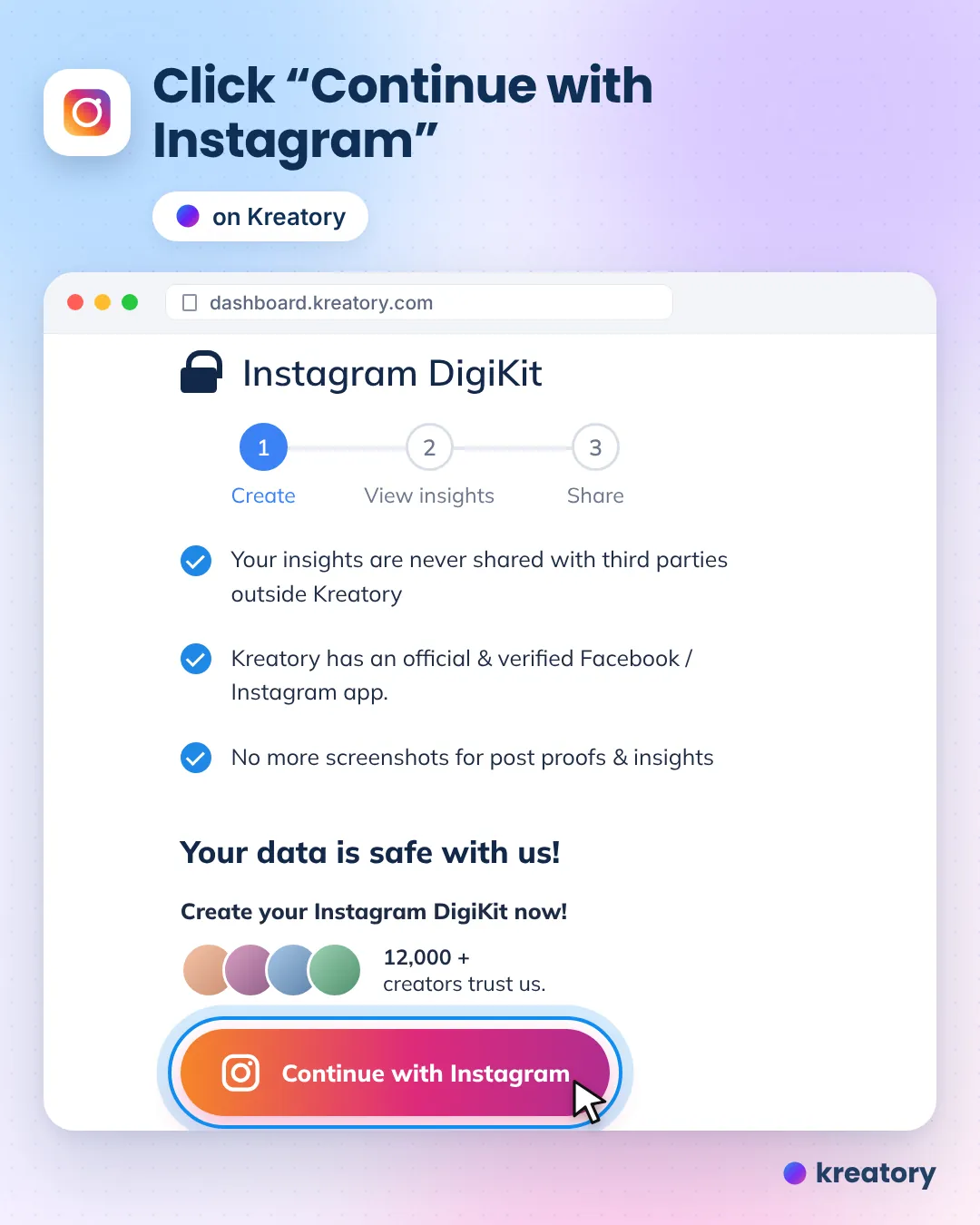
1. Click “Continue with Instagram”
In the Kreatory dashboard.
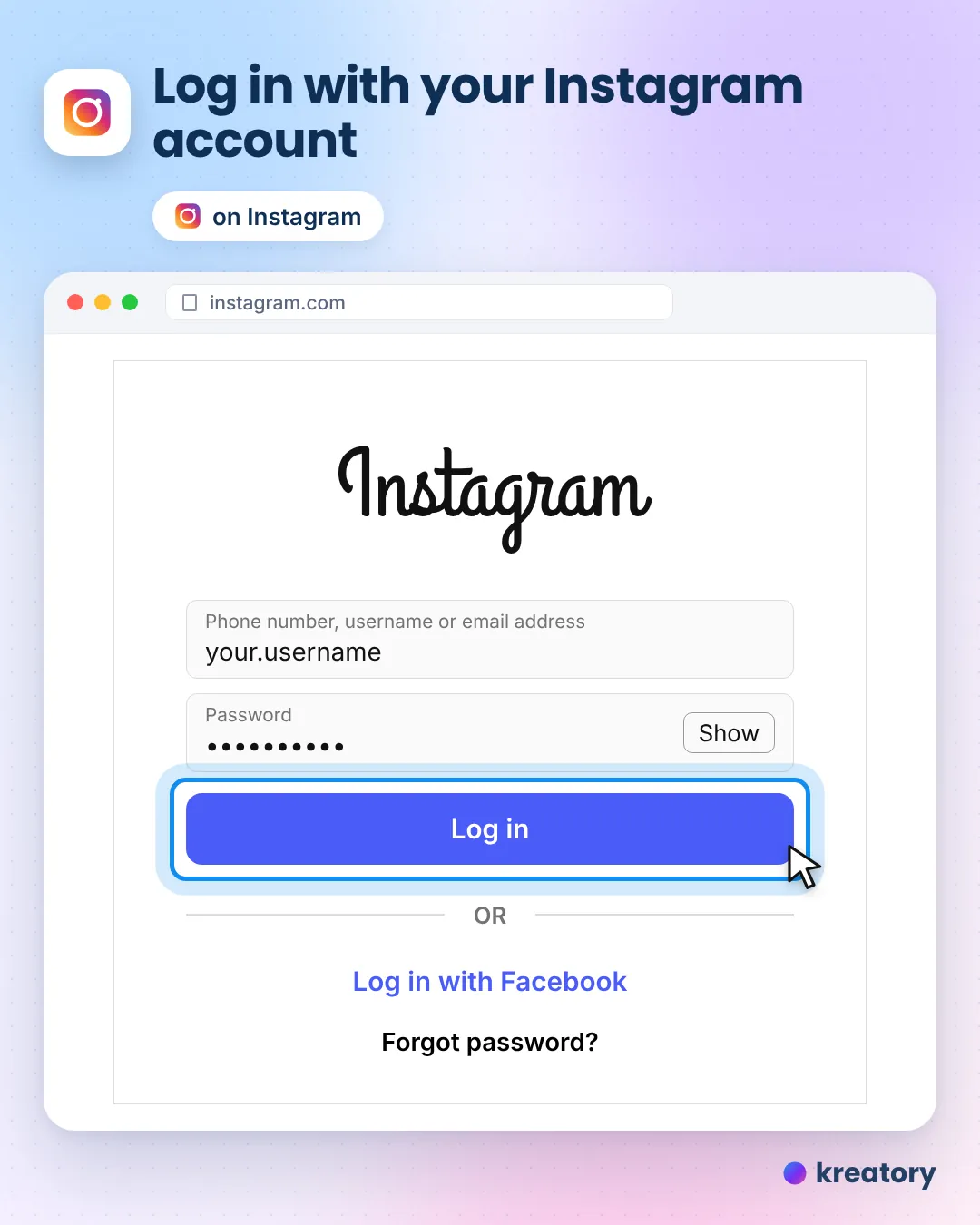
2. Log in to Instagram
Enter your username and password.
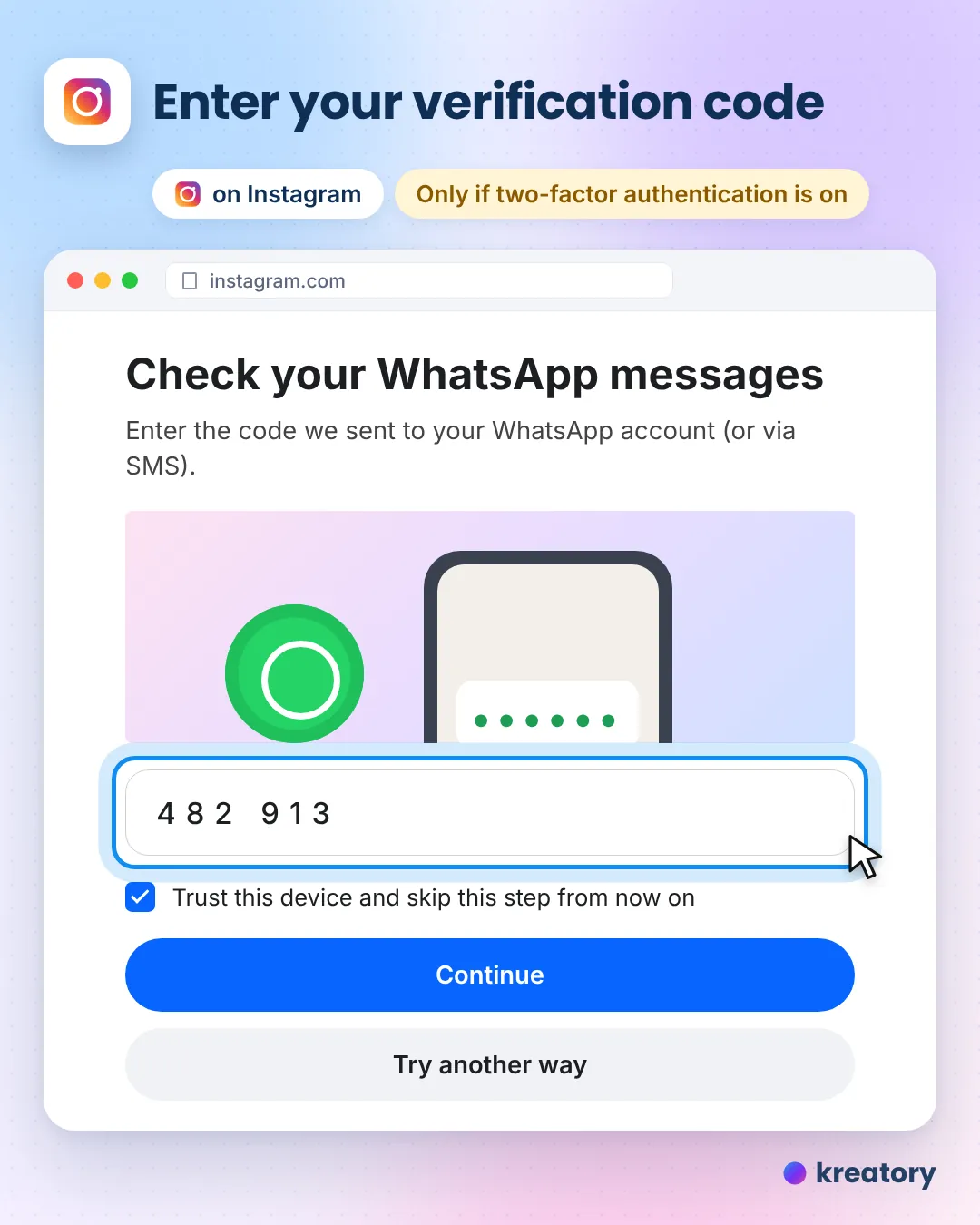
3. Enter the code
Only if two-factor login is turned on.
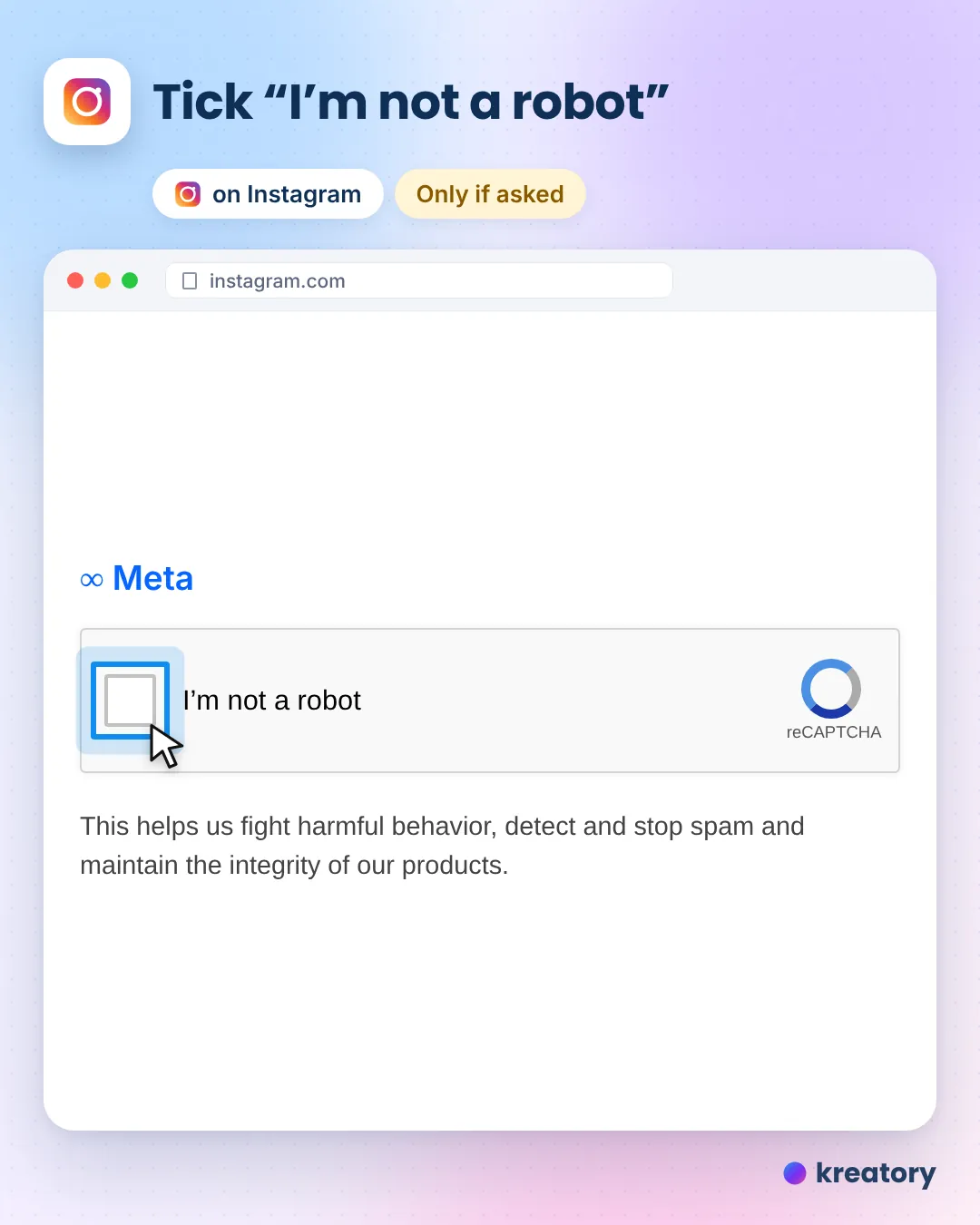
4. Tick “I’m not a robot”
Only if Instagram asks.
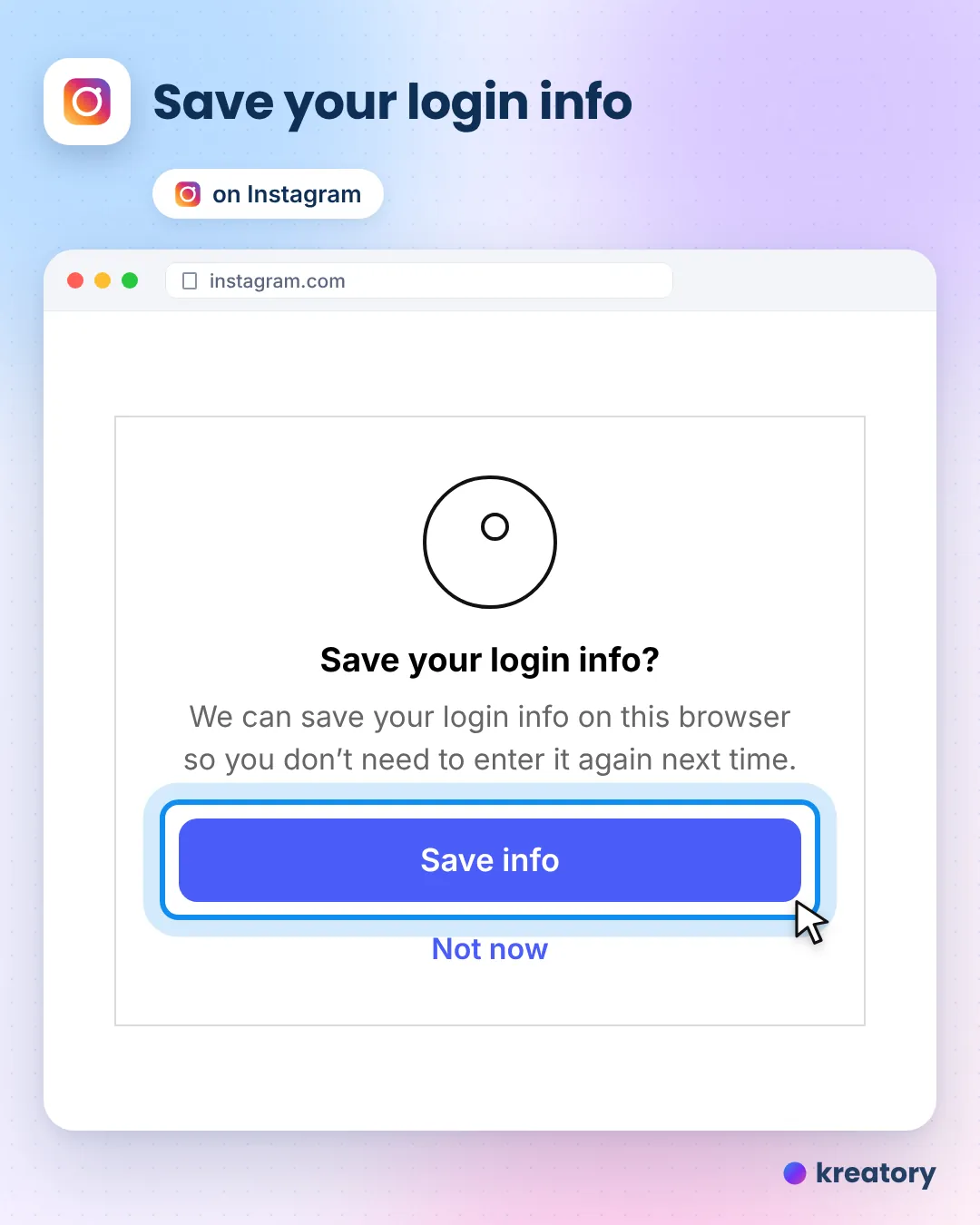
5. Save your login info
Click “Save info”.
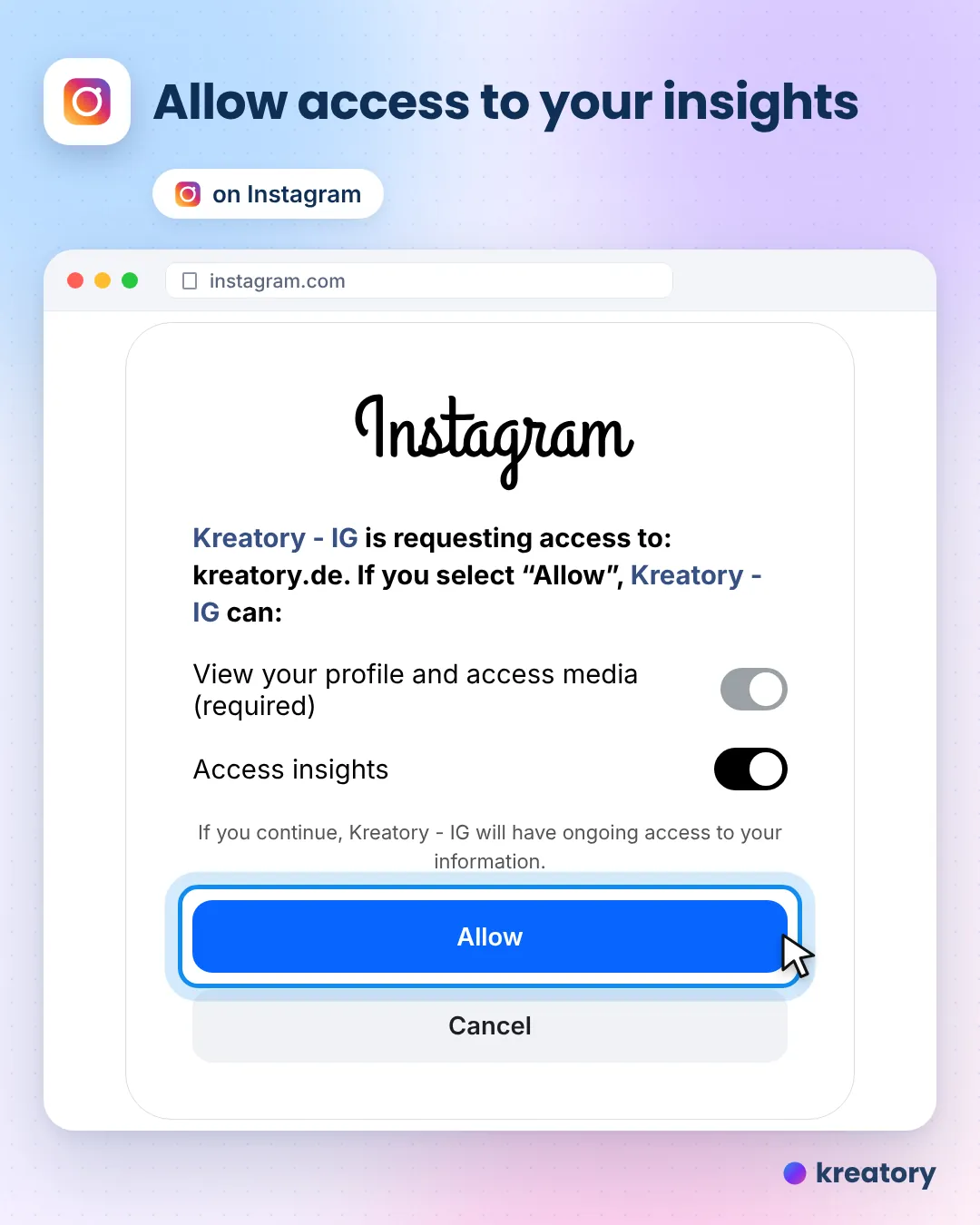
6. Allow access
Keep both switches on, click “Allow”.
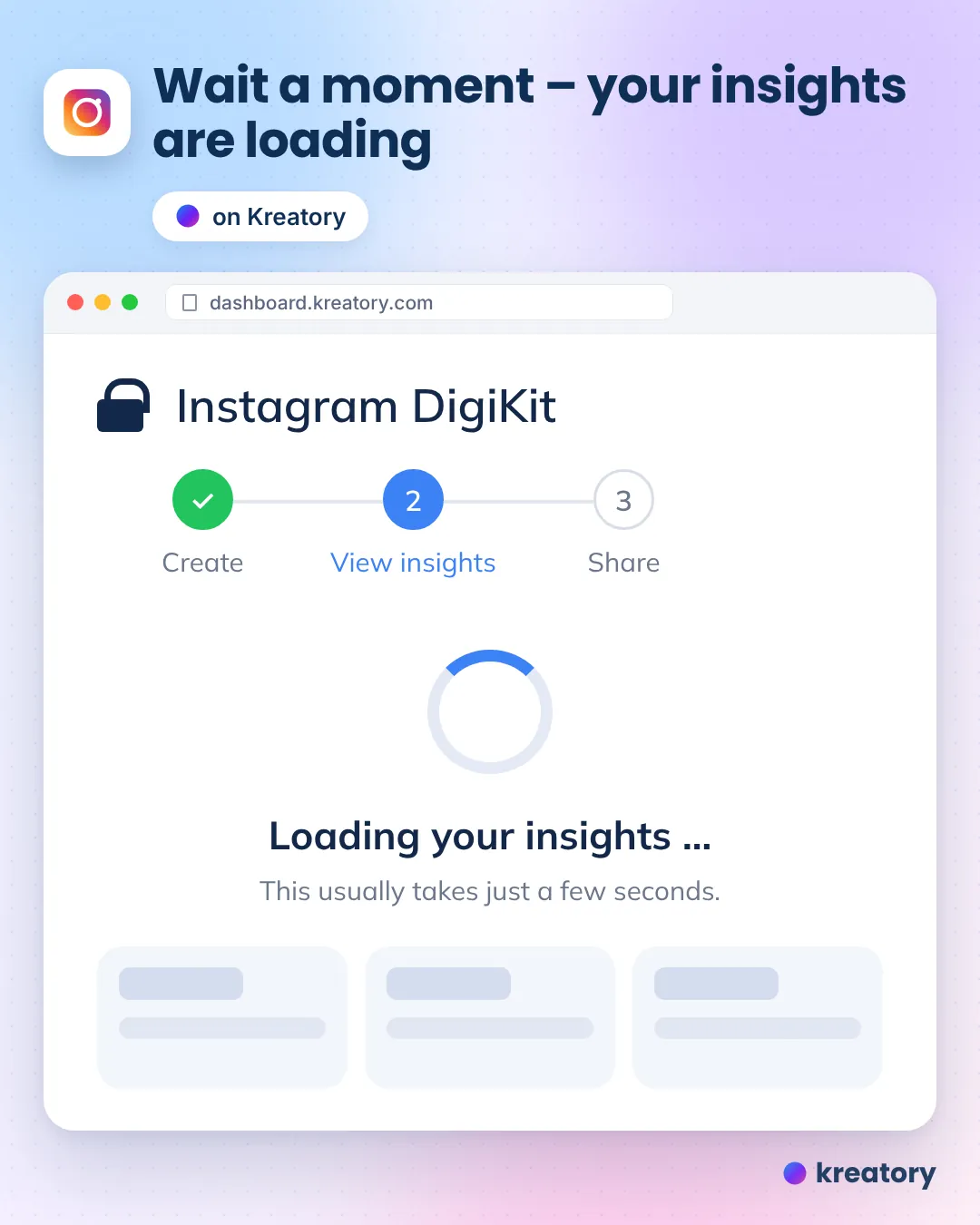
7. Wait a moment
Your insights are loading.
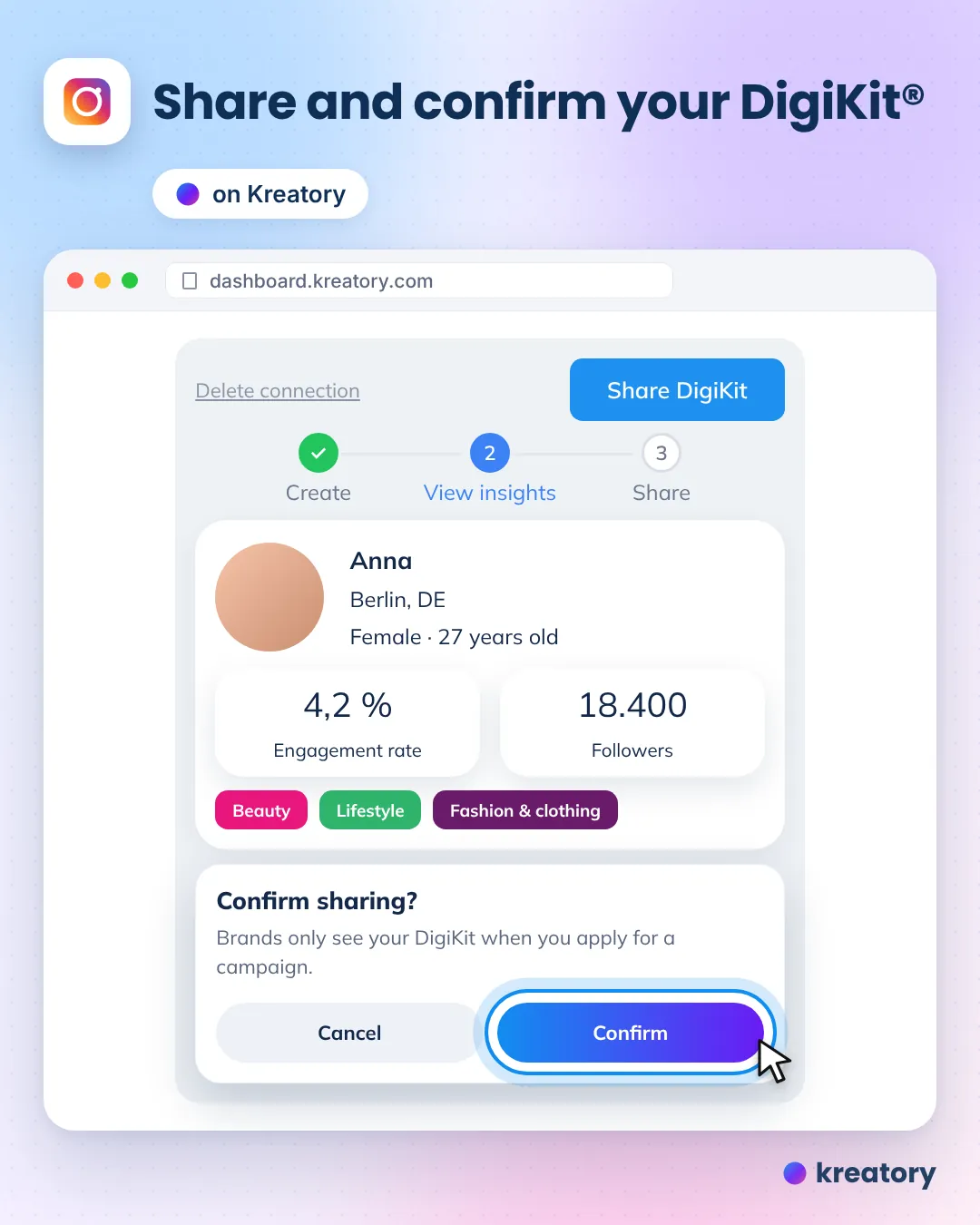
8. Share and confirm your DigiKit®
Done – you’re ready for campaigns.
1. Click “Continue with Instagram”
In the Kreatory dashboard.
2. Log in to Instagram
Enter your username and password.
3. Enter the code
Only if two-factor login is turned on.
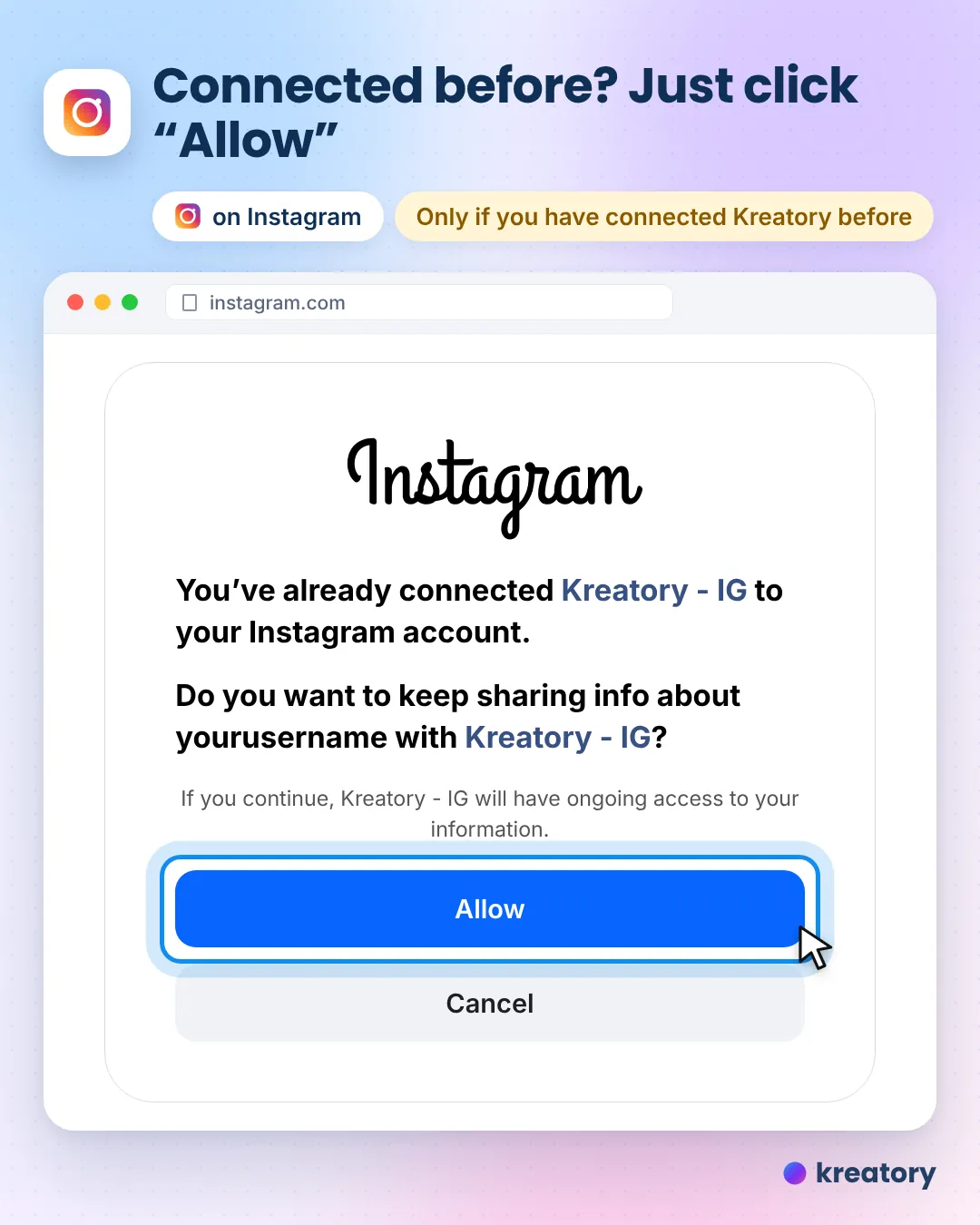
4. Click “Allow”
Instagram already knows Kreatory – one click is enough.
5. Wait a moment
Your insights are loading.
6. Share and confirm your DigiKit®
Done – you’re ready for campaigns.
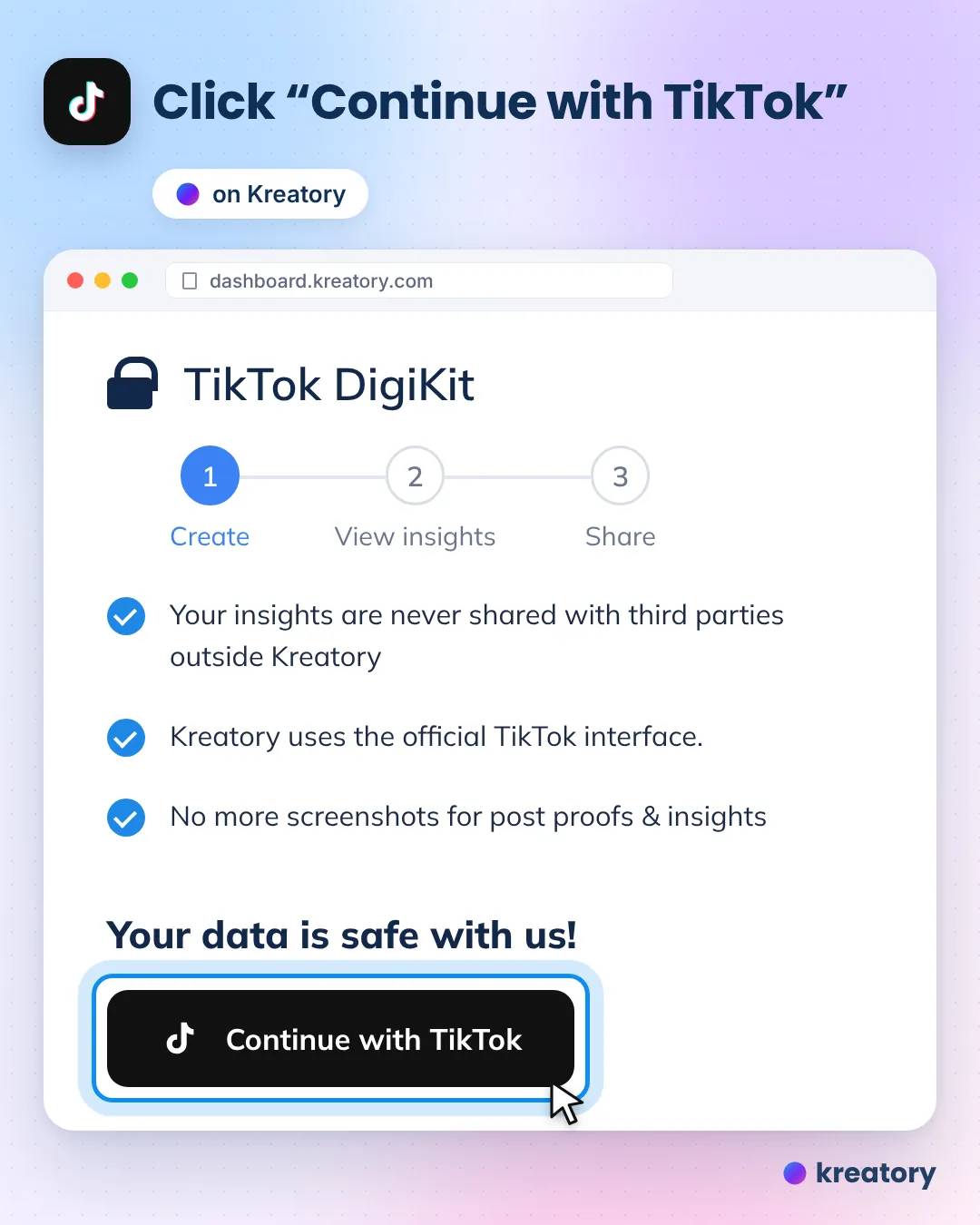
1. Click “Continue with TikTok”
In the Kreatory dashboard.
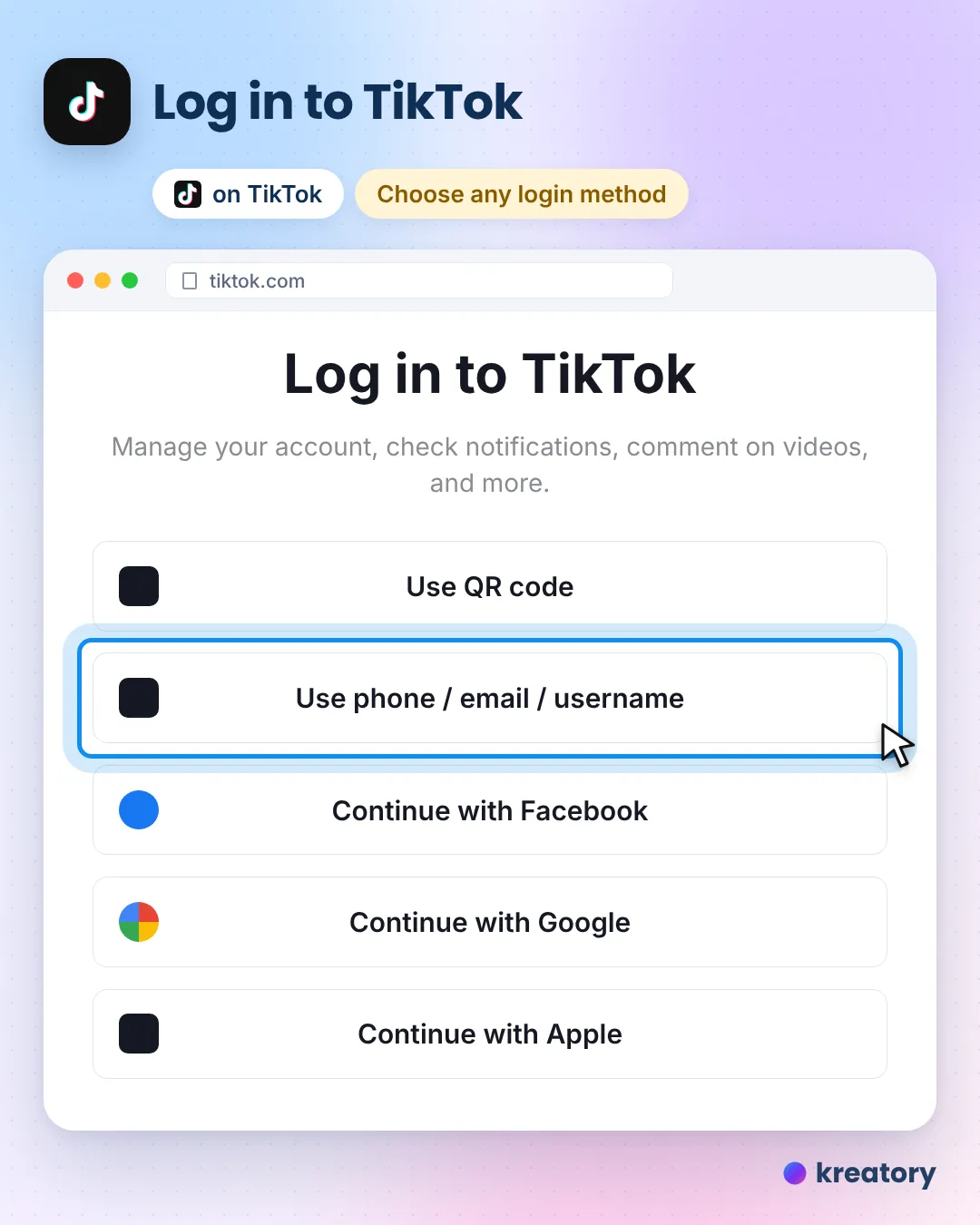
2. Log in to TikTok
Pick a login method, e.g. phone, email or username.
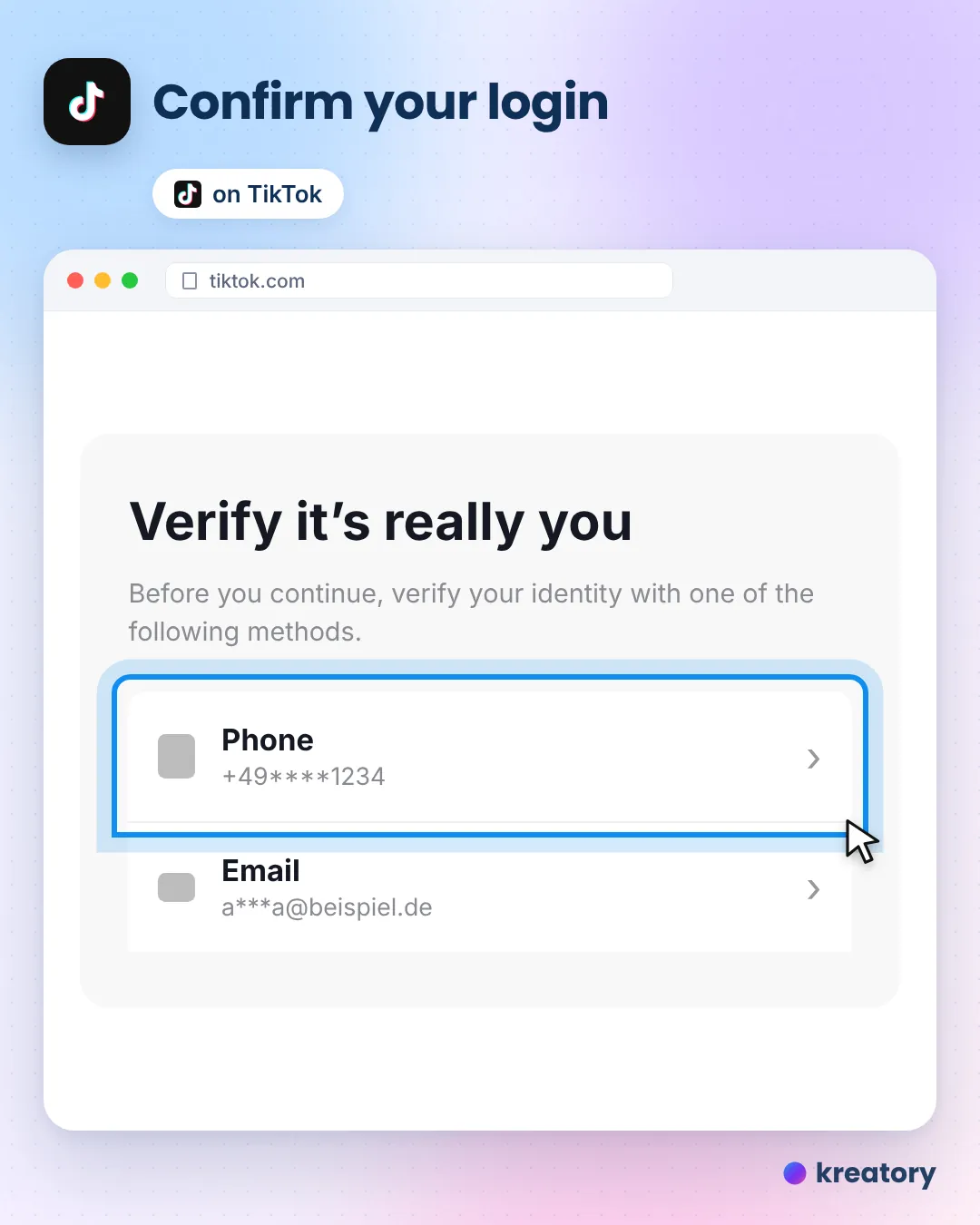
3. Confirm your login
Choose phone or email.
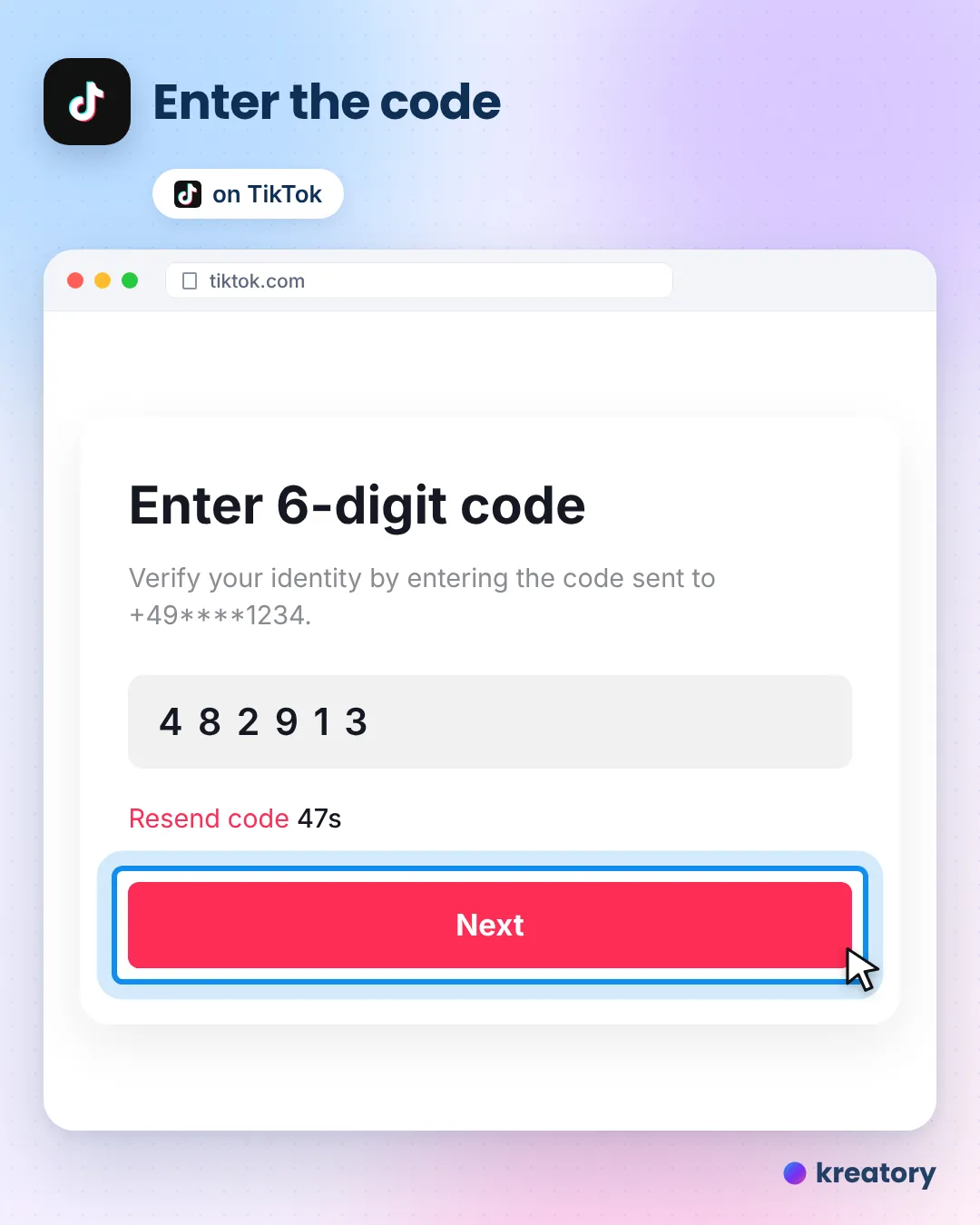
4. Enter the code
Enter the 6-digit code, click “Next”.
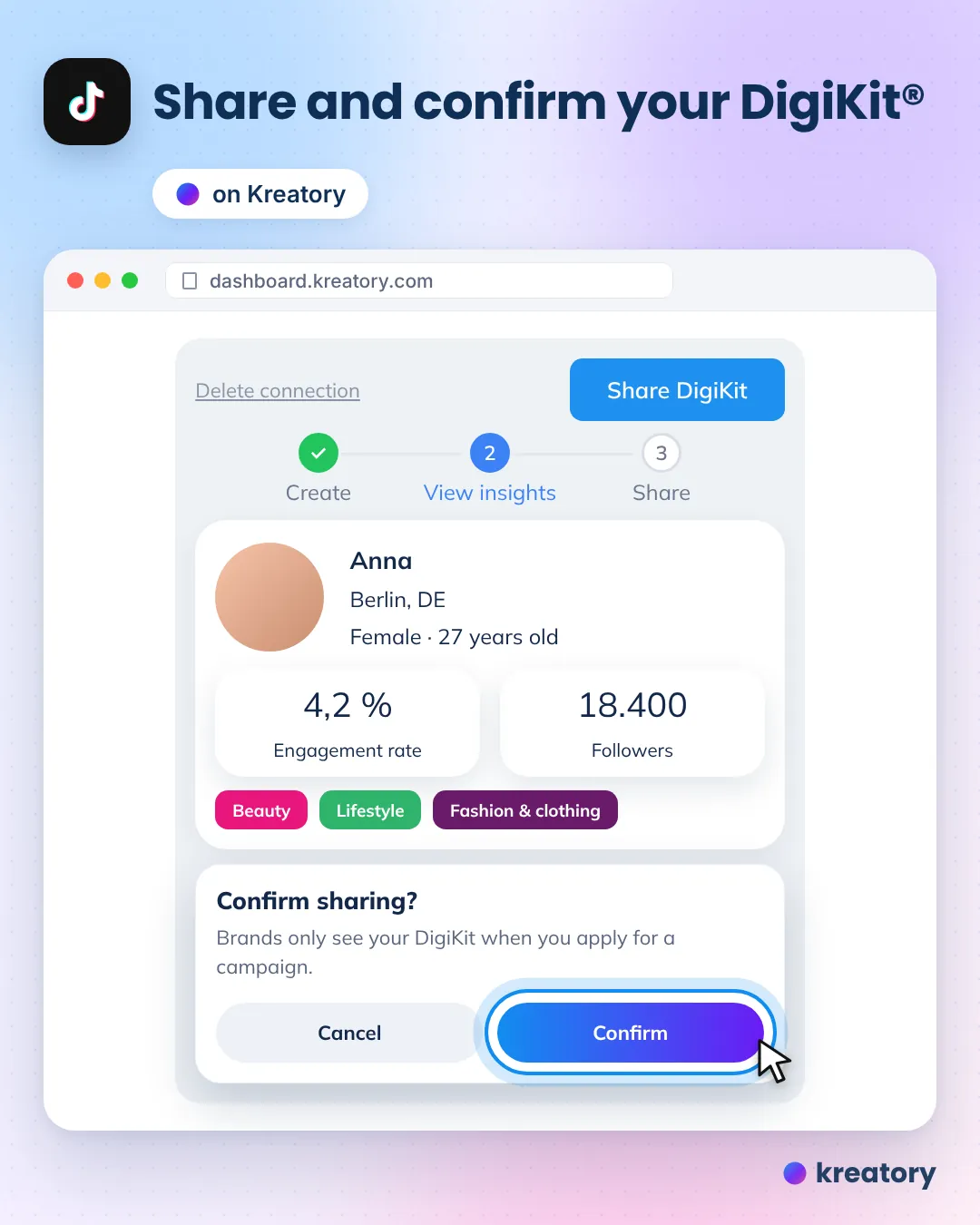
5. Share and confirm your DigiKit®
Done – you’re ready for campaigns.
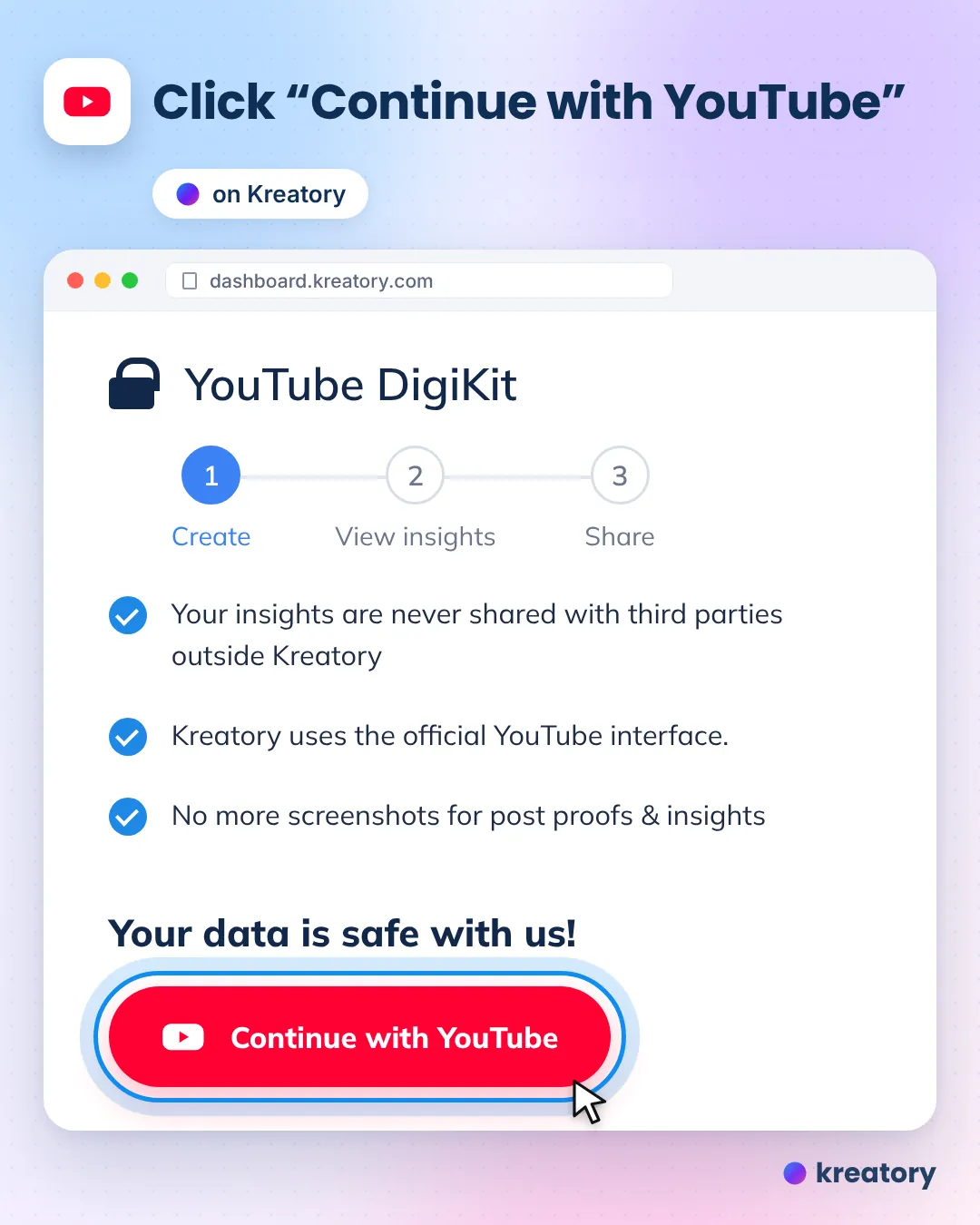
1. Click “Continue with YouTube”
In the Kreatory dashboard.
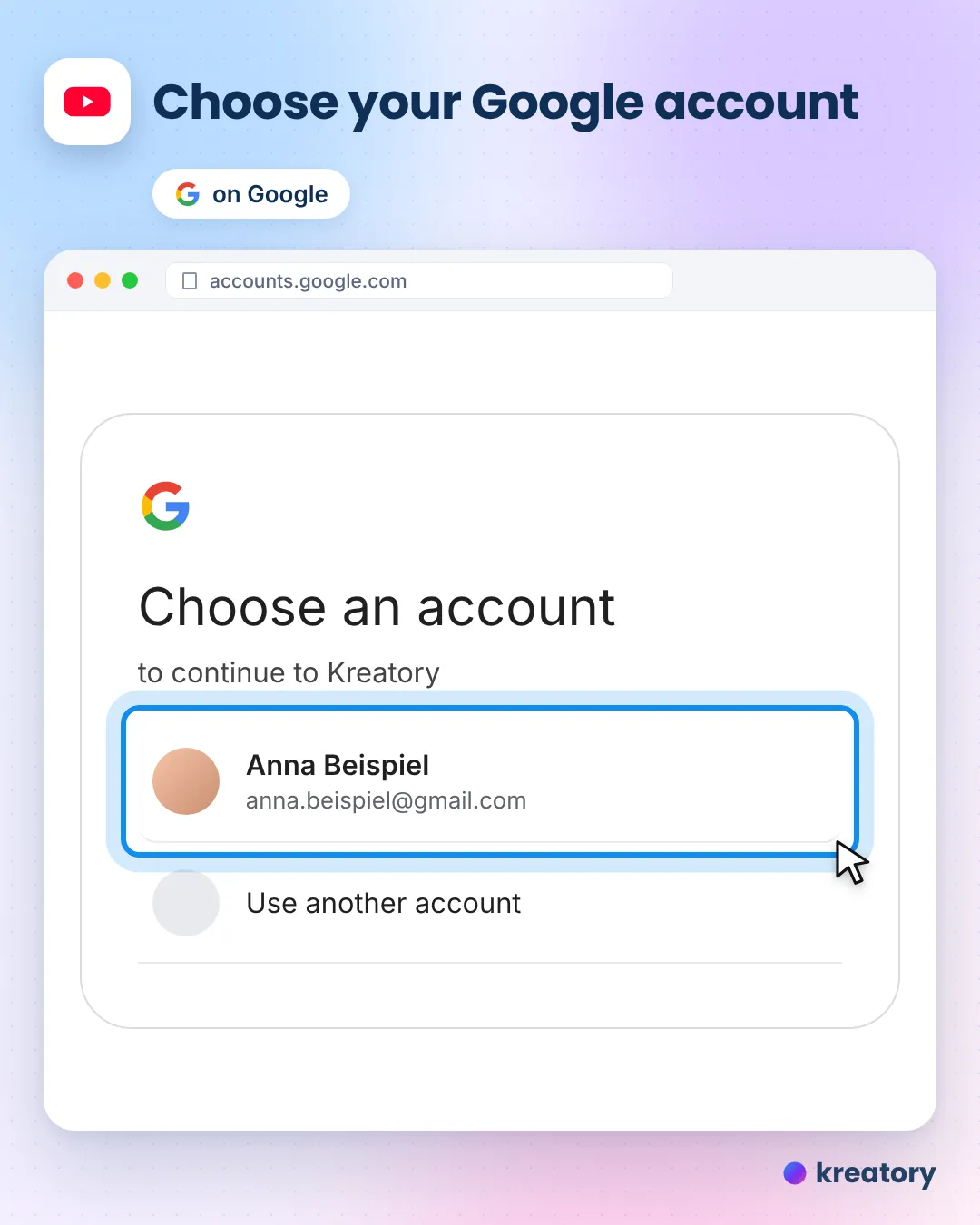
2. Choose your Google account
The account your YouTube channel belongs to.
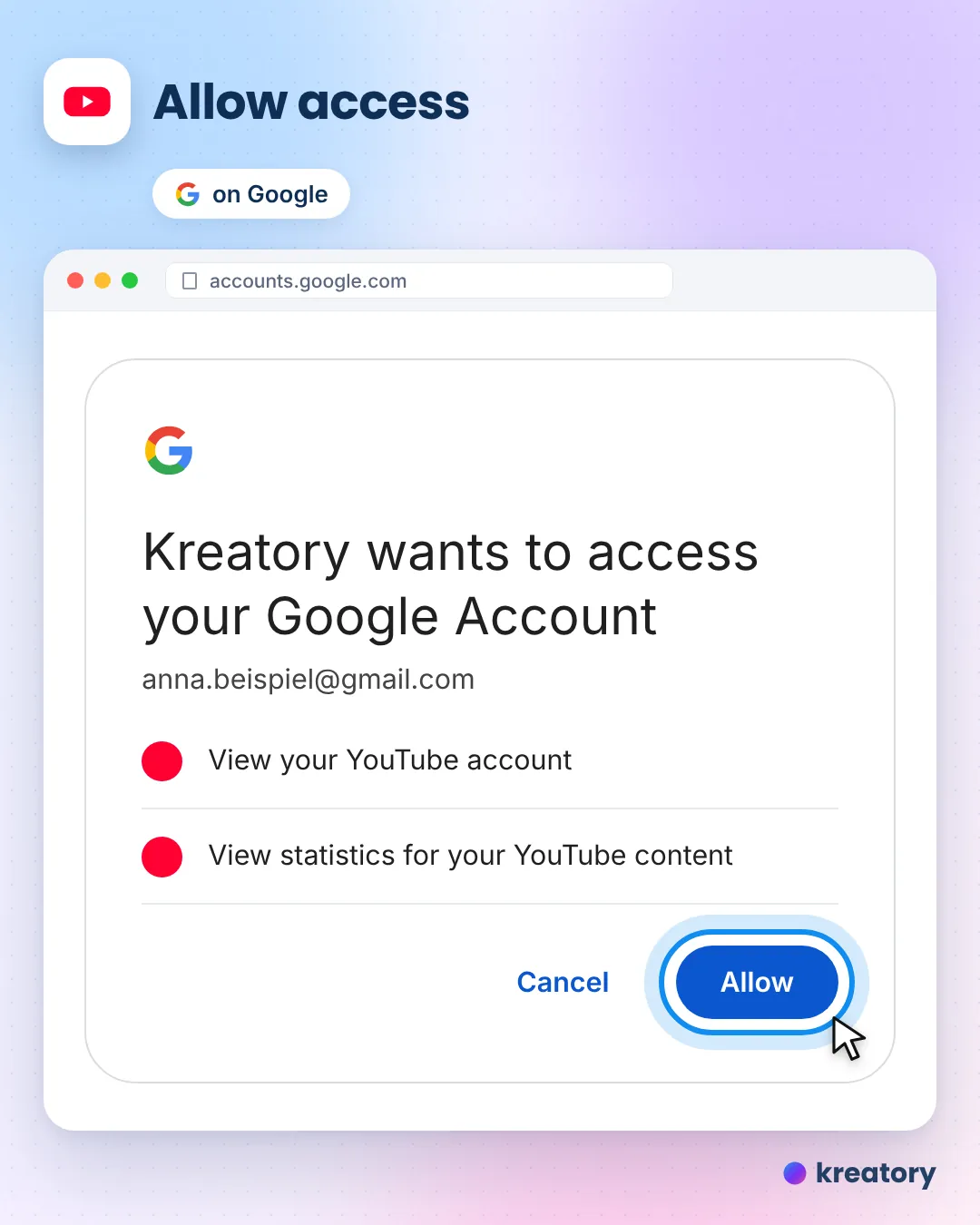
3. Allow access
Click “Allow”.
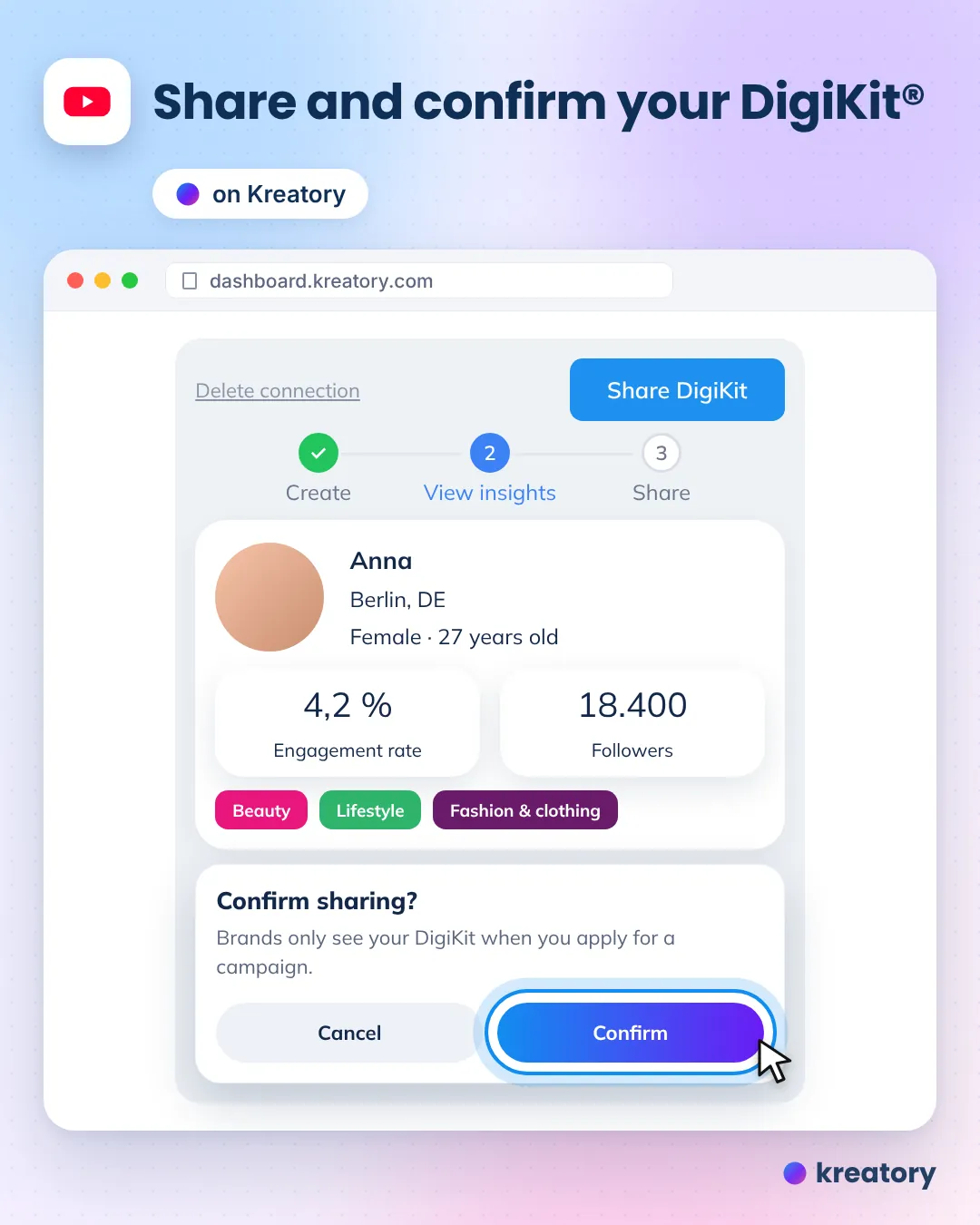
4. Share and confirm your DigiKit®
Done – you’re ready for campaigns.
No. You only enter it with Instagram, TikTok or Google.
Only companies you send an offer to.
Yes, any time. You have the right to have your data erased.
No.

👉 Want deep insights into influencer marketing & UGC sourcing and curious about our success stories?📈